
Your account on the support portal is created by the support team. There is no self-registration.
Once you have received confirmation of your registration from the support team or your project manager, you have to set up a password:
- Click on this link: Create a password (opens in a new tab)
- Enter your professional email address and click on submit.
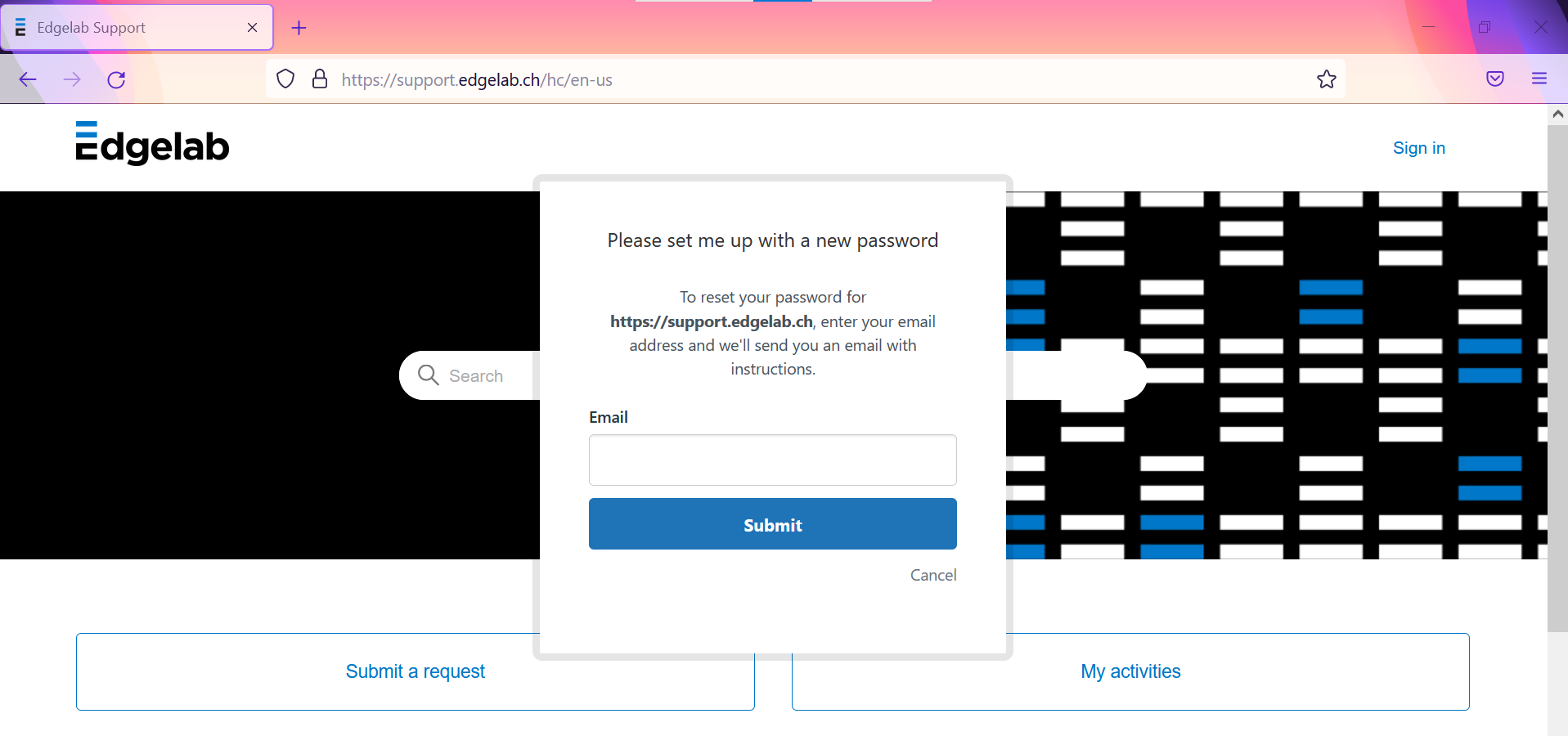
A password reset link will be sent to your email.
- From your mailbox, click on the link and set a password
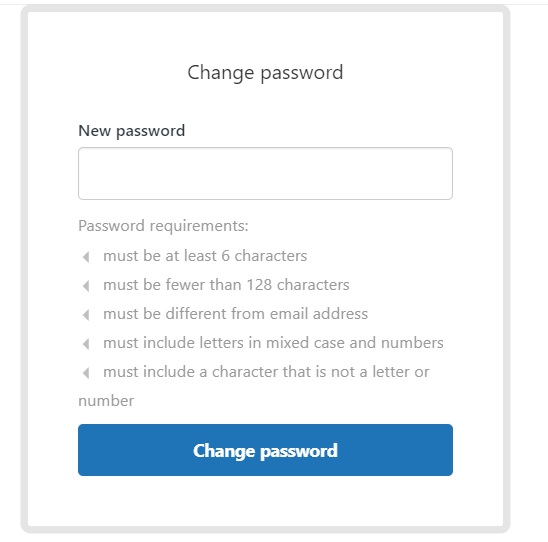
- After clicking on "Change password", you will be redirected to the main page of our support portal. No need to sign in, you already are.
You can start using the support portal services!
FYI: If you are having issues to sign-in send us an e-mail at support@edgelab.ch.
We will gladly help you!
Comments
0 comments
Article is closed for comments.